Join the CONEWER Wi-Fi
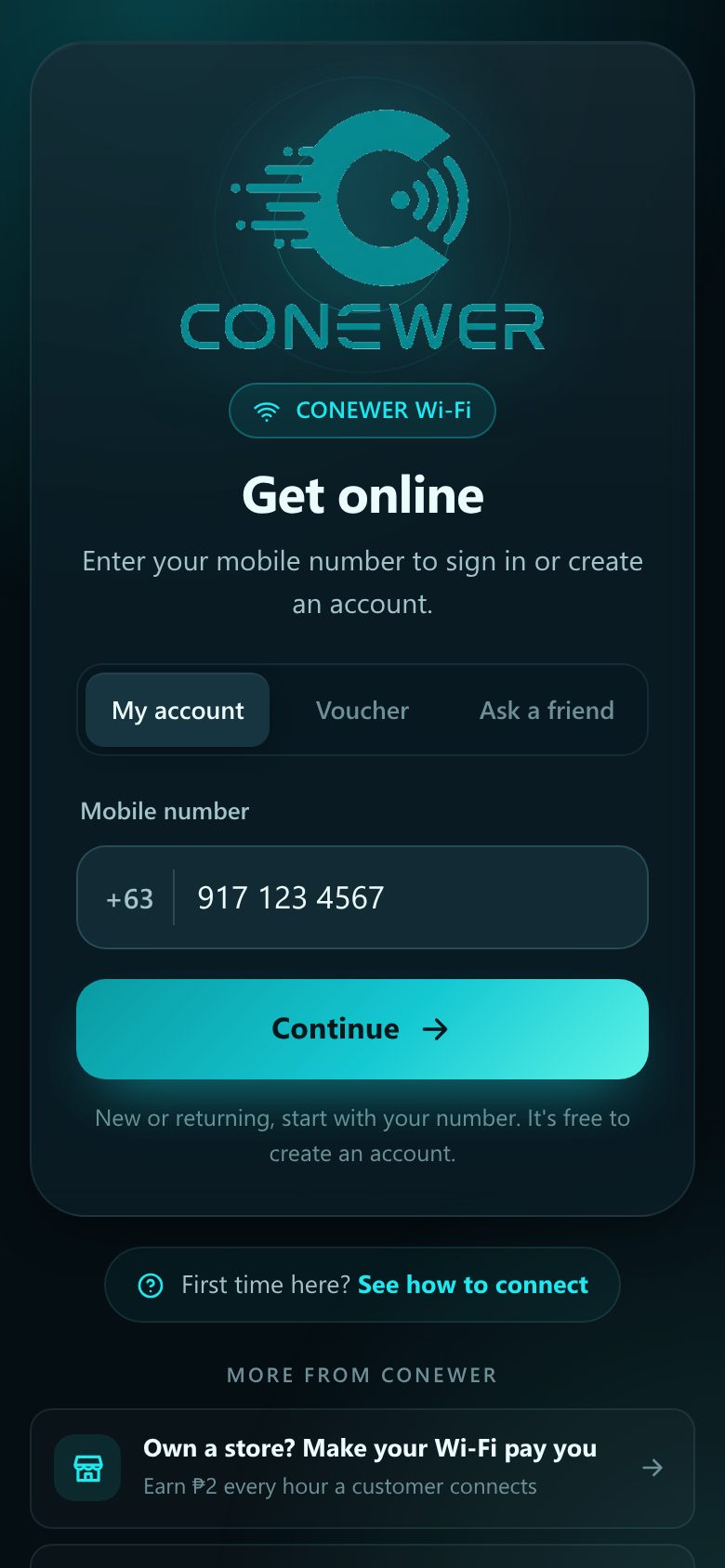
Open your phone's Wi-Fi settings and tap CONEWER. No password needed.
- 1Tap CONEWER in the Wi-Fi list.
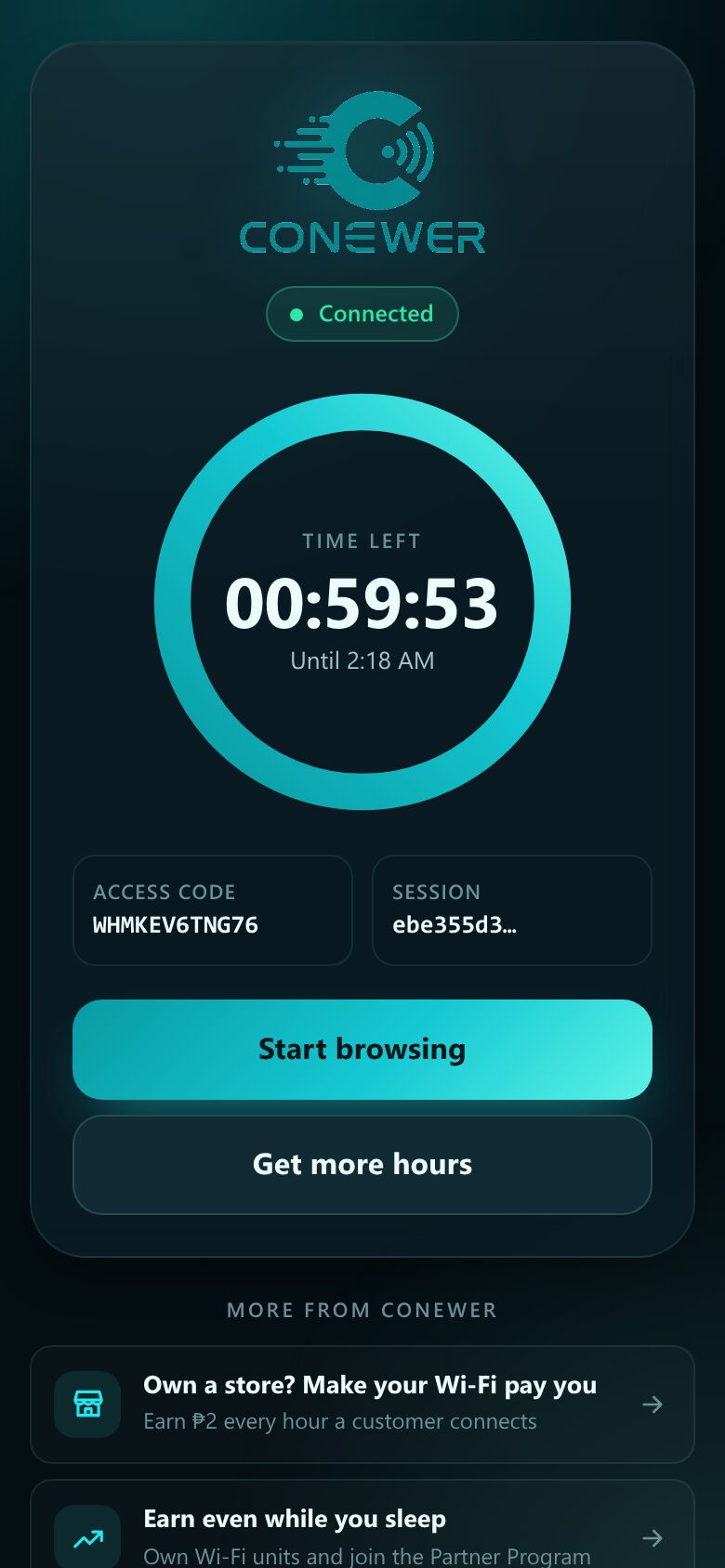
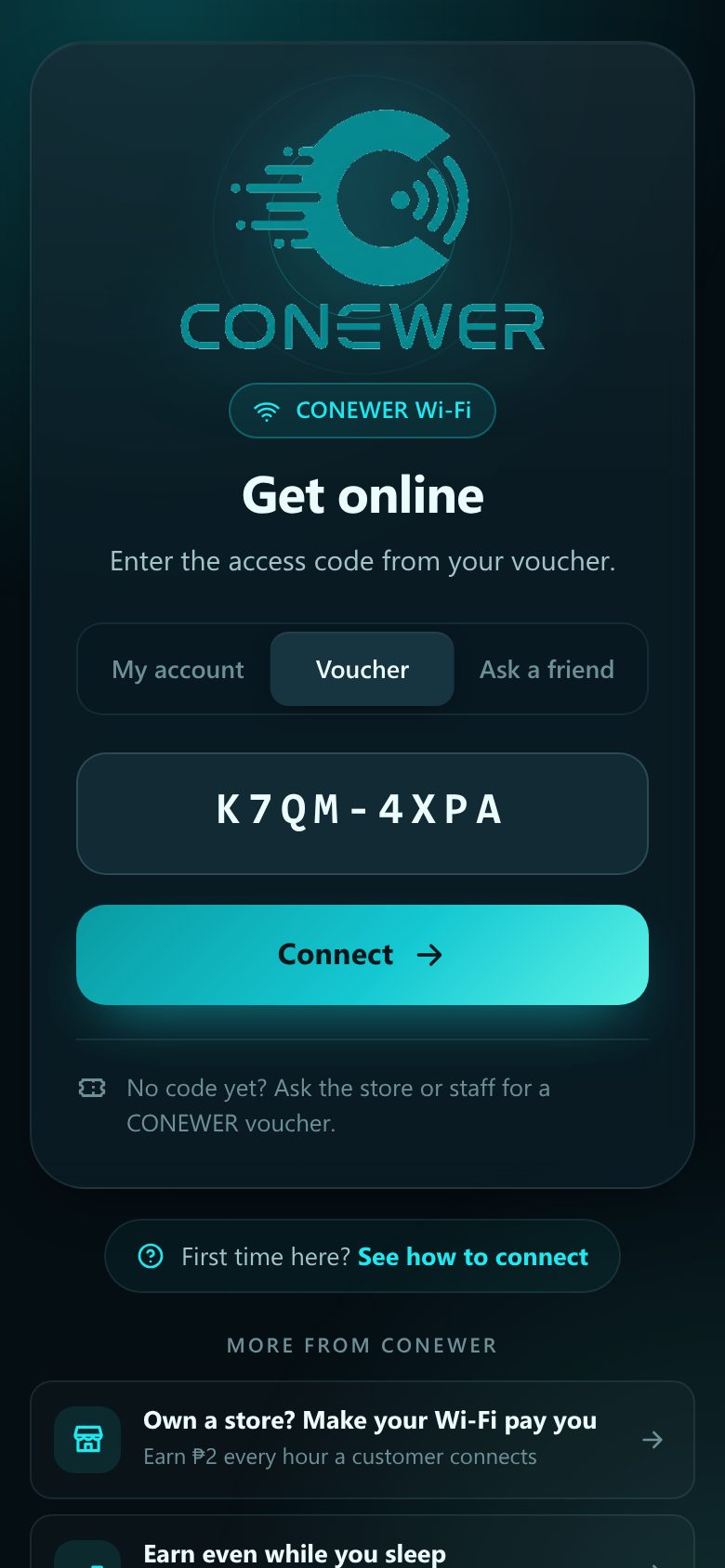
- 2Wait a few seconds. The CONEWER page opens by itself.
Example. Your phone's screen may look a little different.

Join the CONEWER Wi-Fi, top up from your phone and you're online. The first time takes about 2 minutes.
Which one are you?
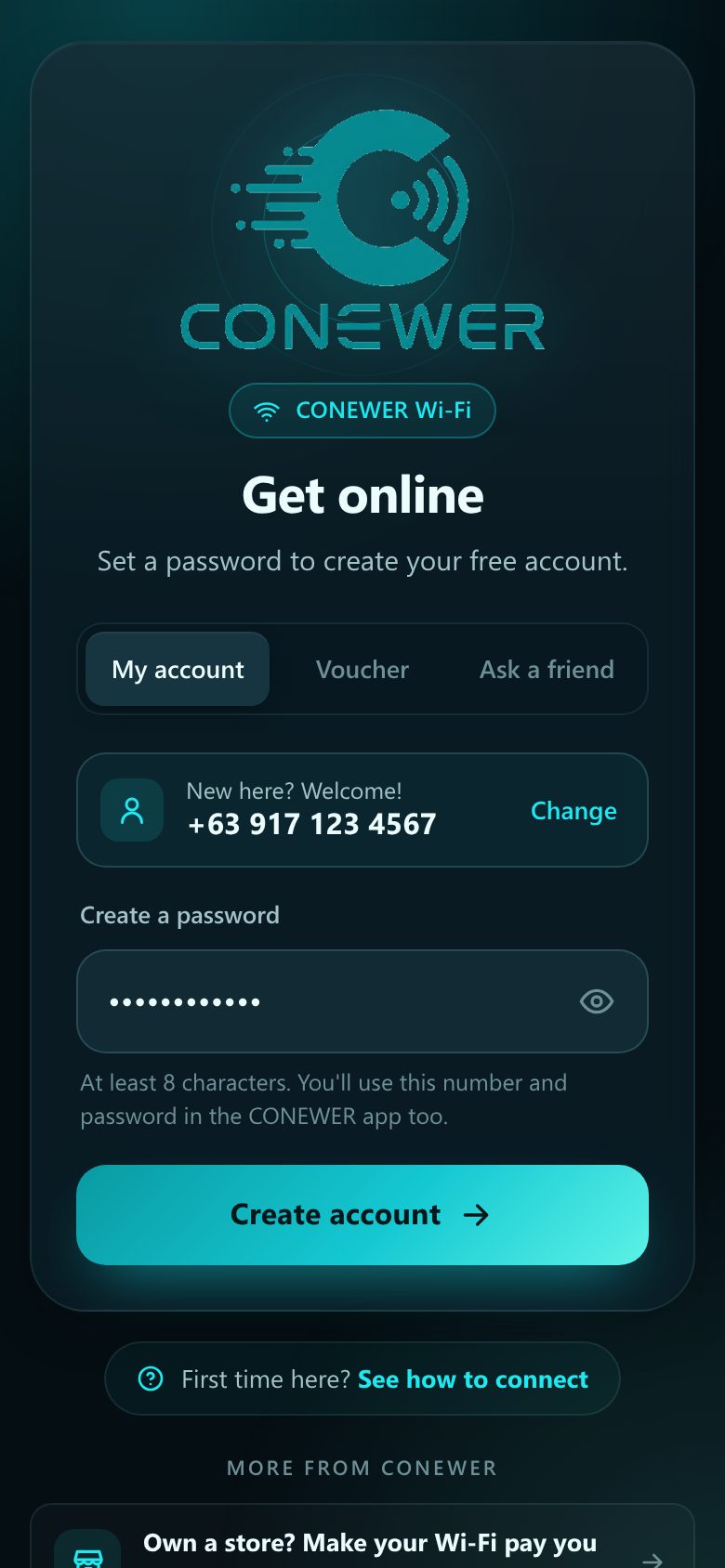
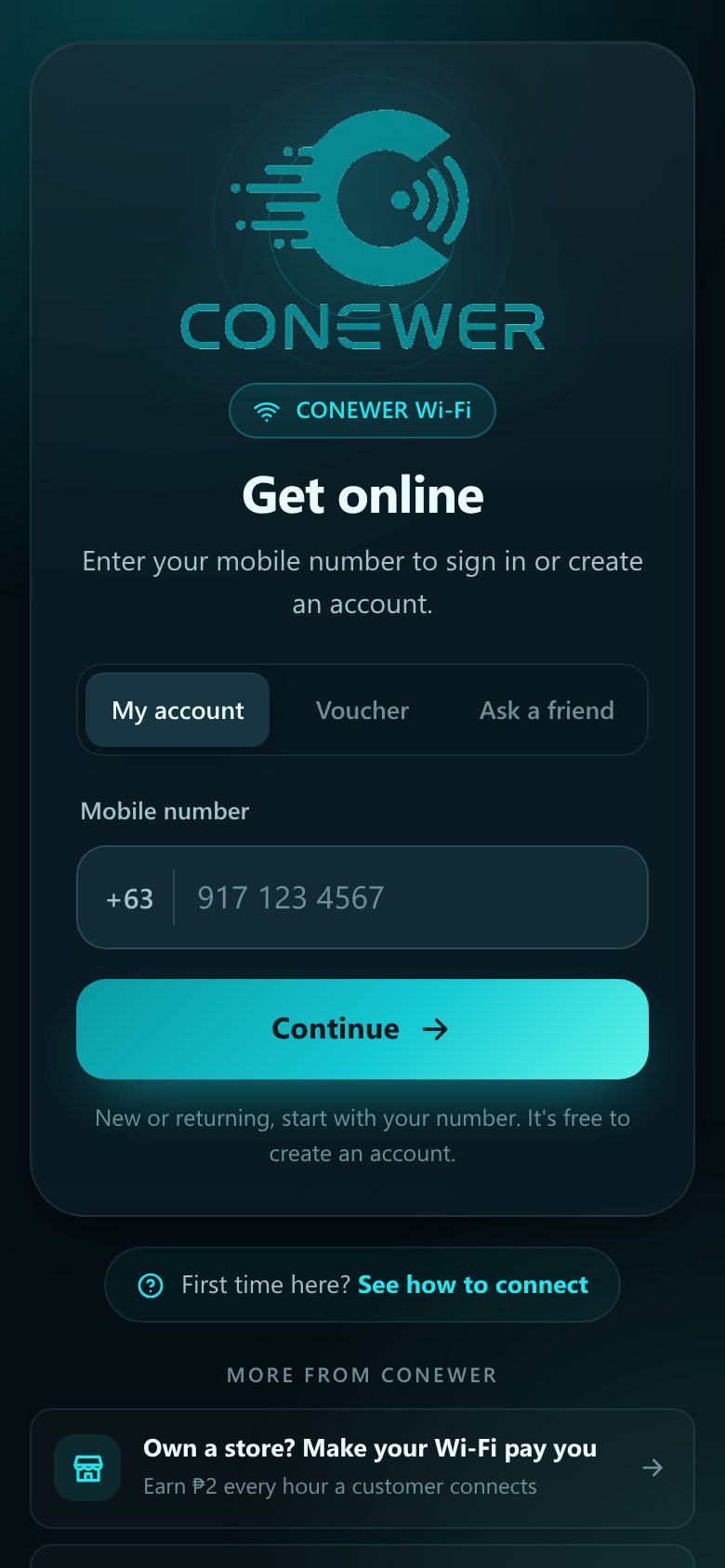
Make a free account once, then your hours work at every CONEWER Wi-Fi.
Open your phone's Wi-Fi settings and tap CONEWER. No password needed.
Example. Your phone's screen may look a little different.
Your account keeps your hours, so you never lose them.
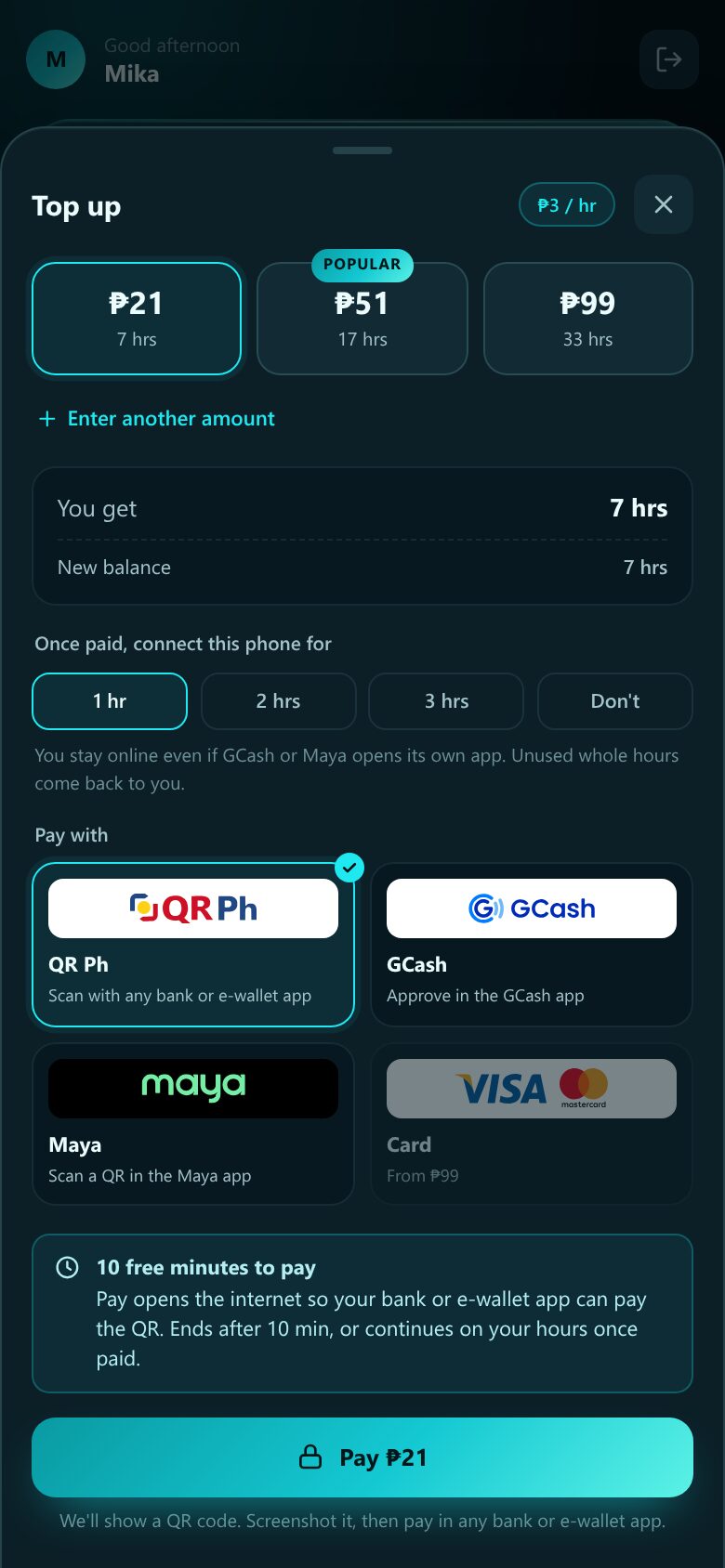
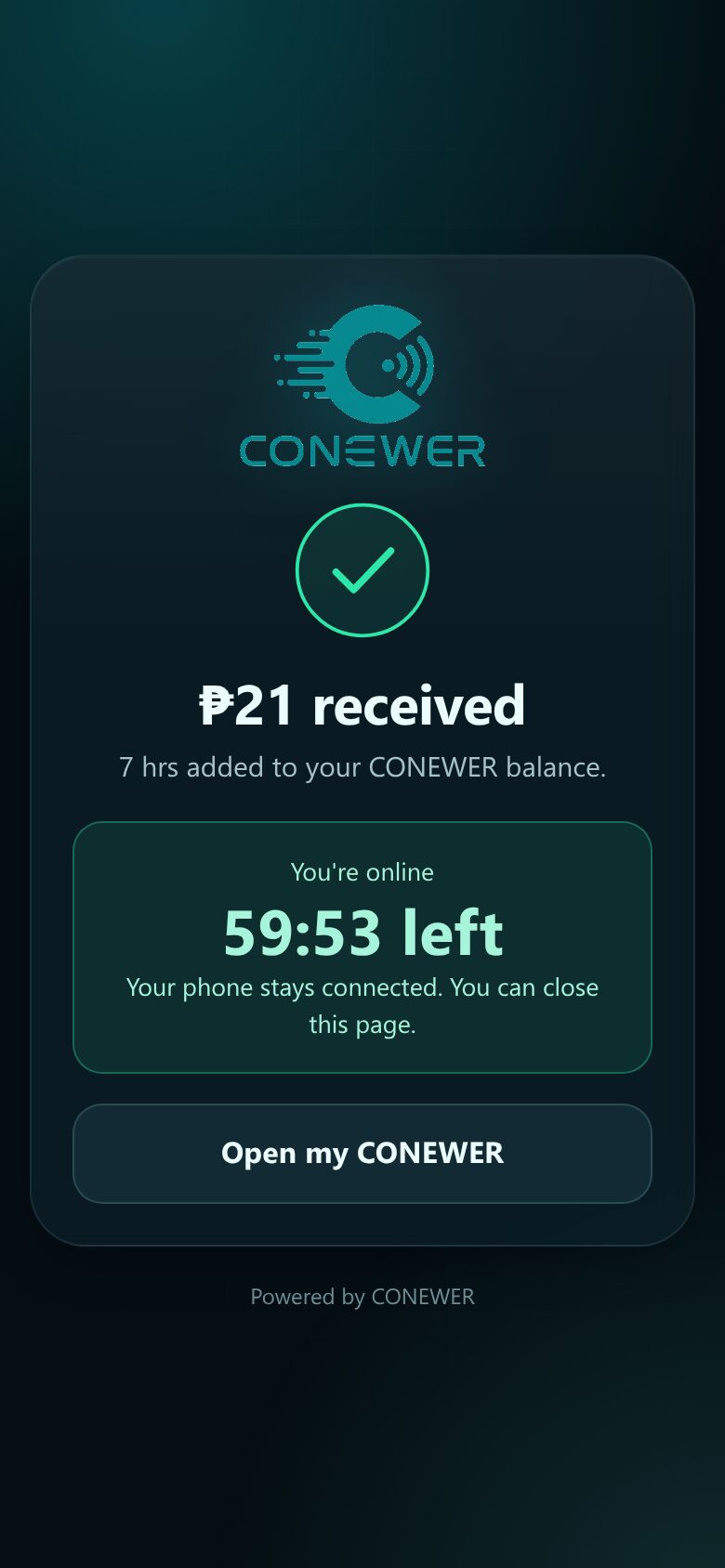
Pick an amount. ₱21 gives you 7 hours.
SAMPLE
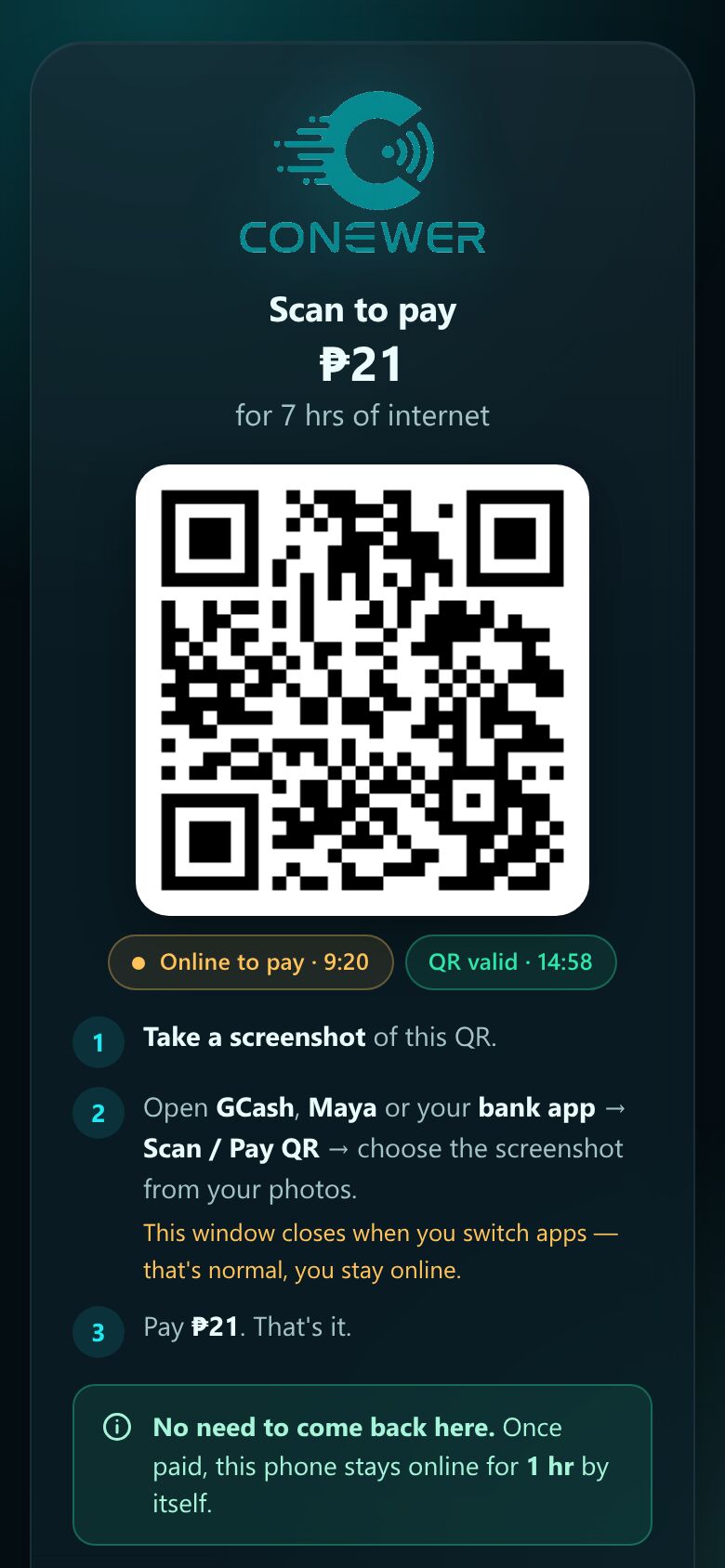
Once your payment goes through, your phone connects by itself. No need to go back to the CONEWER page.
Next time it's even faster.
Coming back another day?
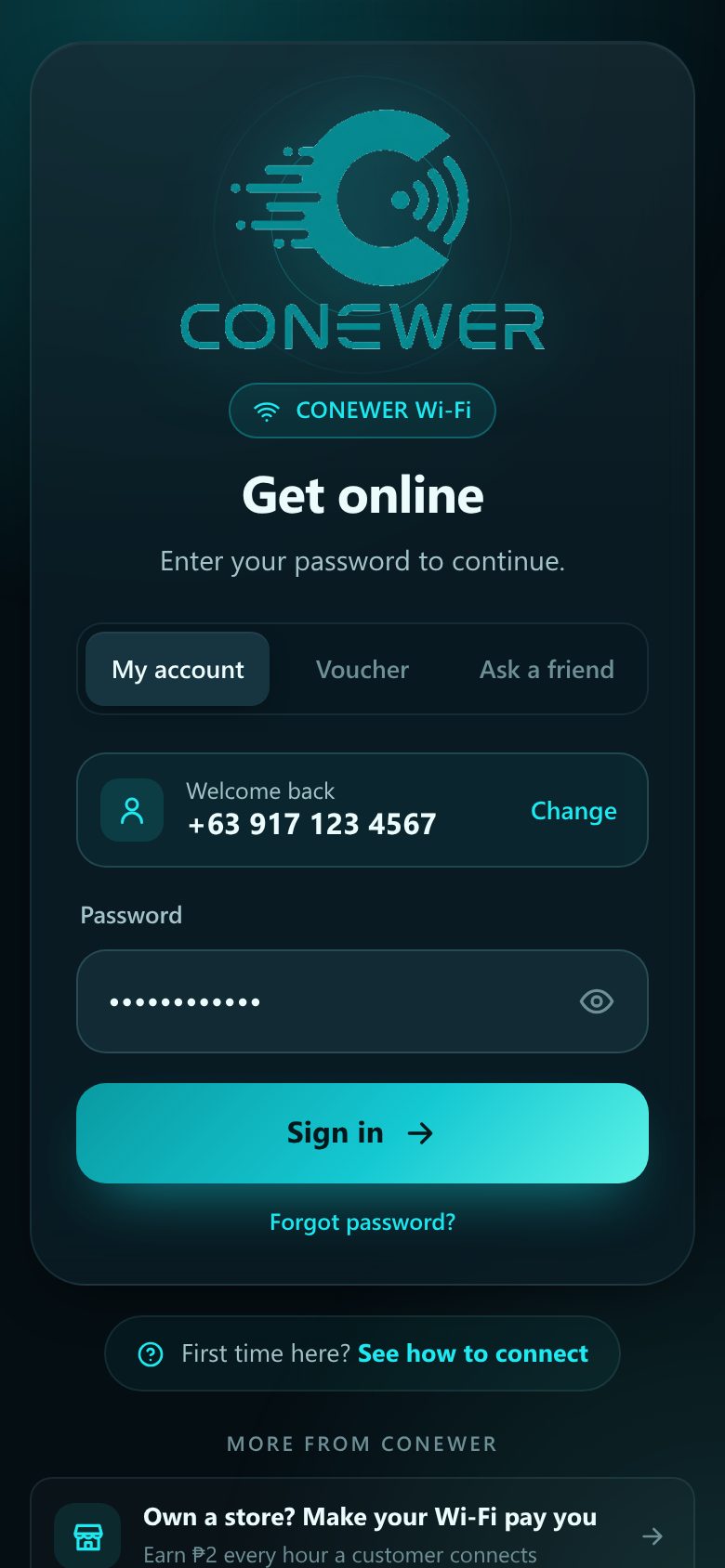
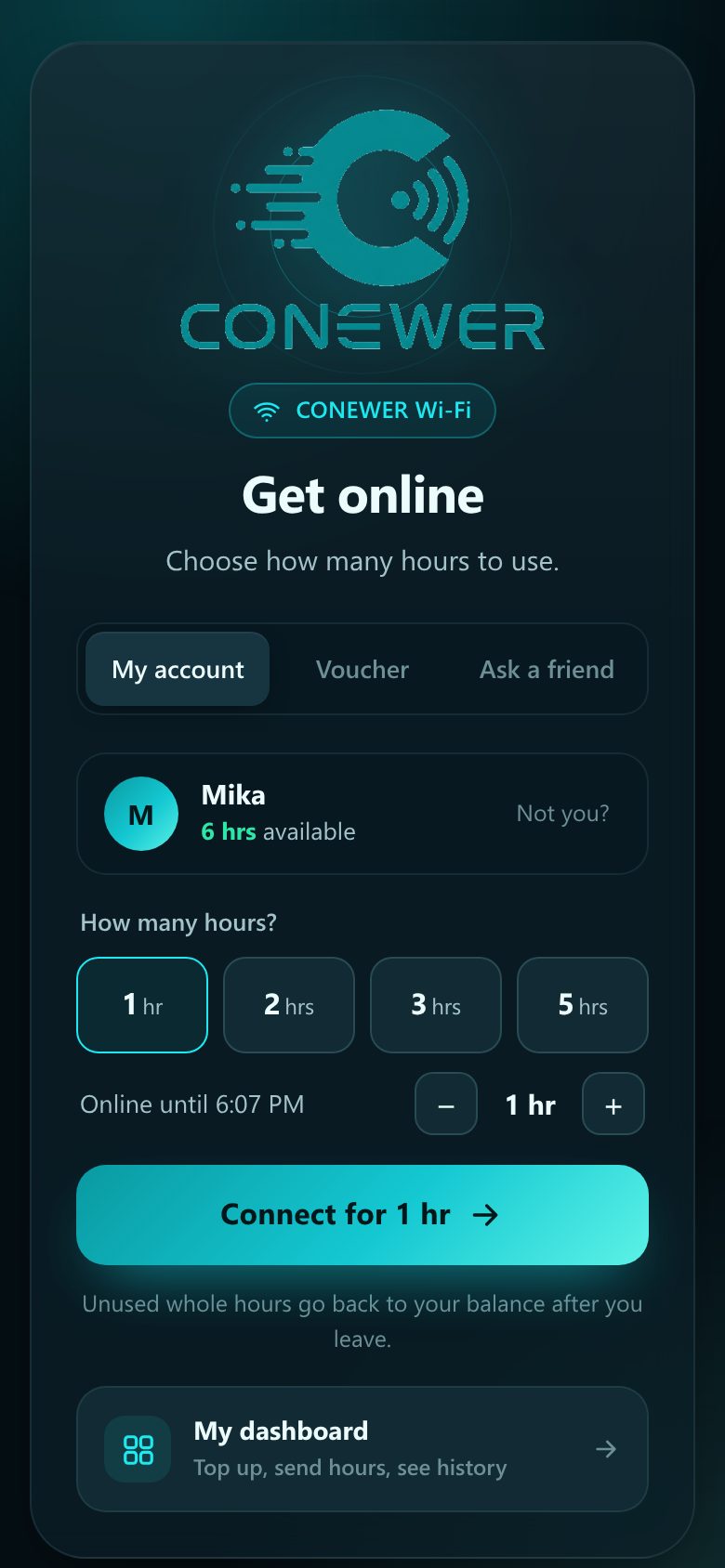
Already have an account? Just sign in and choose your hours.
Tap CONEWER in your Wi-Fi list. The CONEWER page opens by itself.
Bought a printed voucher at the store? No account needed.
Tap CONEWER in your Wi-Fi list. The CONEWER page opens by itself.
₱3 per hour. Buy once, use at any CONEWER Wi-Fi.
Or enter your own amount from ₱20.
The same steps in under a minute, narrated in Taglish.
Make sure you're connected to CONEWER in your Wi-Fi settings. Then open your browser and go to neverssl.com. The CONEWER page will show up. If it still doesn't, turn Wi-Fi off and on again.
On the CONEWER page, type your mobile number and tap Continue, then tap Forgot password?. You'll reset it through Telegram with @conewer_help_bot, using the same mobile number as your account. It's free and takes about a minute.
The QR code works with any bank app that can pay a QR Ph code. You can also ask the store staff for a printed voucher.
No. Hours you don't use stay in your account until you need them.
Unused whole hours go back to your balance after you leave. For example, connect for 3 hrs, leave after 1 hr 20 min, and 1 hr comes back.
Yes. Your hours work at any CONEWER Wi-Fi. Just sign in with the same number.
Yes. On the CONEWER page, tap Ask a friend. Your friend scans the QR with their CONEWER app and sends you some of their hours. No sign-up needed.
Open My CONEWER (your dashboard) to see your balance and history. You can add it to your home screen for one-tap access.